Logo of DropToss

DropToss

Send files from iPhone or Android to Windows with a simple QR scan

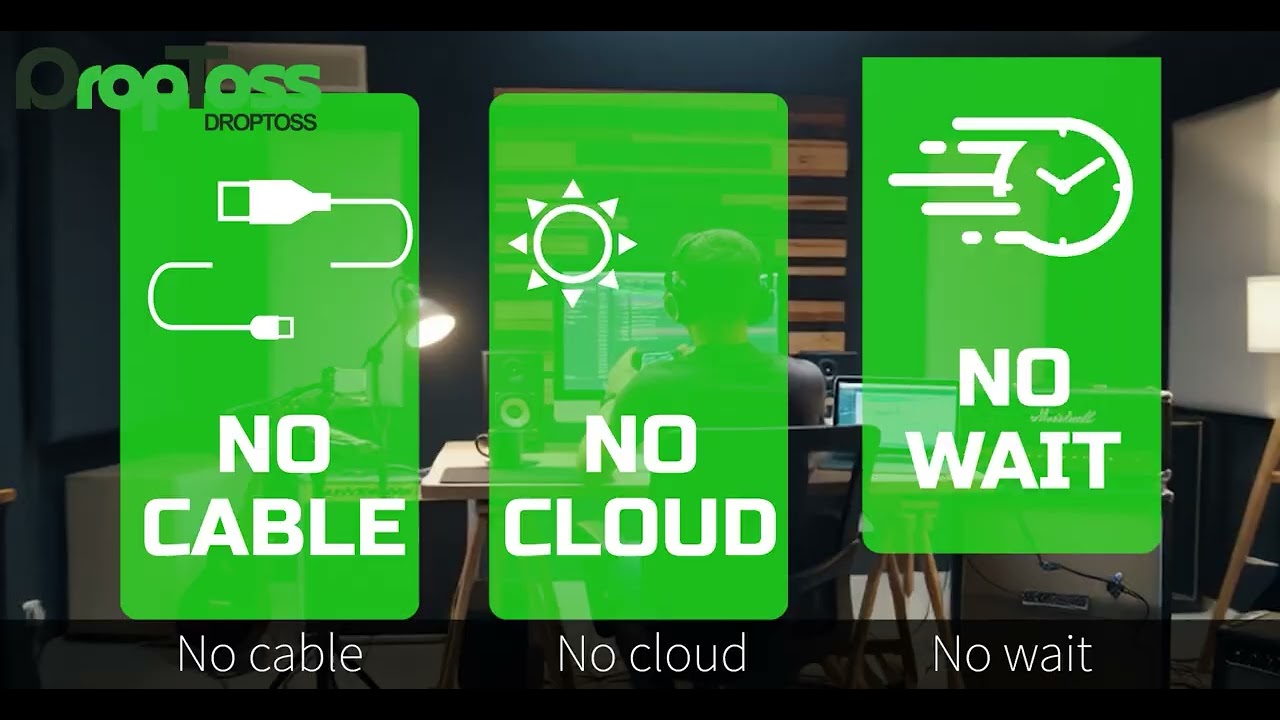
DropToss video preview

What DropToss does

DropToss makes it easy to transfer photos, videos, audio files, and documents from an iPhone, iPad, or Android device to a Windows PC.

Simply scan the QR code displayed on your computer and select the files in your phone’s browser. No mobile app installation, account registration, or USB cable is required.

Key features include:

  • QR-based phone-to-Windows file transfer

  • No phone app or user account required

  • Transfer multiple files at once

  • Direct local transfer when both devices are on the same network

  • Temporary cloud relay when a direct connection is unavailable

  • Automatic HEIC-to-JPEG conversion

  • Automatic MOV-to-MP4 conversion

  • Automatic M4A-to-MP3 conversion

  • One-time purchase with no recurring subscription

  • 7-day free trial through the Microsoft Store

DropToss is ideal for photographers, content creators, small businesses, event staff, educators, and anyone who regularly moves files between mobile devices and Windows PCs.

Reviews

Used DropToss? Write the first review.

  • system32recordings gets notified of your review and can reply.
  • A star rating is enough. A few words help even more.

Publisher

Is this your product? Claim it

Questions about DropToss

DropToss is a business product listed on Uneed as a paid product. It's tagged with File Sharing. See the best File Sharing products for related options.

What is DropToss?

DropToss is send files from iPhone or Android to Windows with a simple QR scan.

Is DropToss free?

DropToss is a paid product. Check their website for current pricing.

What are alternatives to DropToss?

Discover similar file sharing products in the Uneed directory.

What category does DropToss belong to?

DropToss is listed under Business on Uneed.

Products like DropToss

Best File Sharing products